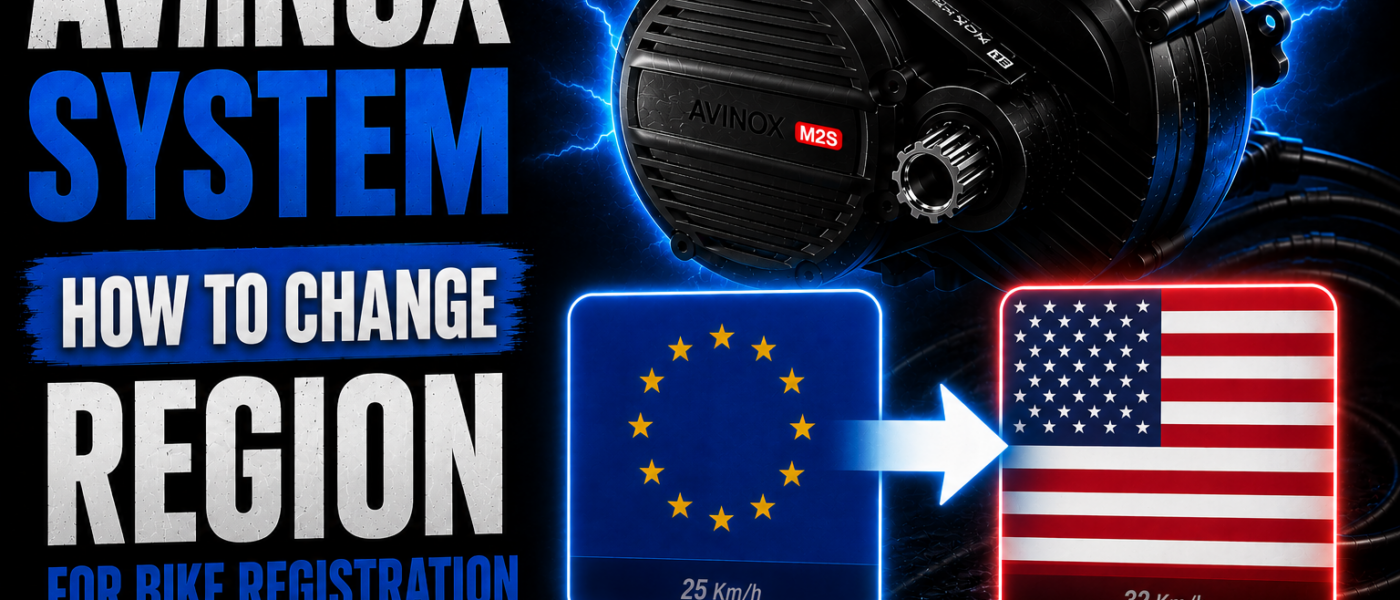
Avinox Region Change EU to USA — Free Speed Unlock to 32 km/h (2026)
TL;DR: Changing the Avinox region from EU (25 km/h) to USA (32 km/h) is completely free, takes 5 minutes and requires no physical modification to your bike. All you need is a VPN and your phone.
Today we’re looking at how to change the region on your Avinox-powered e-bike from EU to USA and unlock the full potential of your motor.
Why did I make this guide? Because I kept seeing ads from online shops selling physical „speedbox“ devices for Avinox bikes — costing over 250€. Physical modification, likely voided warranty, unnecessary money — and yet anyone can do this themselves, for free, in 5 minutes. With much more flexibility too — riding on public roads? Set it to 25 km/h. Riding on private property? Switch to 32 km/h. No tools, no technician, no hundreds of euros.
How to Change Avinox Region — Step by Step
What you need:
- Phone with Avinox Ride app
- VPN app — I use Windscribe (free)
Steps:
- Unpair your bike
- Close all apps on your phone — completely
- Turn on VPN and connect to a US server
- Disable location on your phone
- Open Avinox Ride and log in
- Pair your bike
- Turn off VPN — region change is done,now you can set bike to 32 km/h
Done. Your display shows 32 km/h.
Speedbox for 250€ vs. Free Region Change
Speedbox — physical modification, likely voided warranty, 250€+, not easily reversible.
Avinox region change — no physical modification, warranty intact, free, switch back anytime.
The choice is clear.
⚠️ Disclaimer
All modifications are performed at your own risk. The author takes no responsibility for any damage, legal consequences or loss of warranty. This guide and video are for informational purposes only. The Avinox region change should only be used on private property — use on public roads may be against local regulations.
Avinox.cz is a fan-made website and is not affiliated with or endorsed by Avinox or DJI.
🌐 Note for English-speaking visitors
Avinox.cz is primarily a Czech-language blog about Avinox e-bikes and everything around them. This article is one of the few published in English.
If you’d like to see more English content on this site — leave a comment below! If there’s enough interest, I’ll start creating regular English articles and guides for the international Avinox community.
☕ If this guide saved you 250€ on a speedbox, feel free to buy me a coffee: PayPal Revolut
Vasek

i’ve tried so many different approaches with Android and iOS now and yours is one of the simpler ones without spoofing smartphone location and so. I got my bike last week and it was first activated with HK VPN in Germany. I checked the option that it showed HK there. The issue is that even registering with US and it shows the options to adjust speed it never goes above 25km/h. Always stuck to that maximum although registration with US, HK and NZ works with 4 different VPNs.
The last try i did was including Mocking Unpairing, deleting bike and avinox account location to NY/US, VPN in NY/US. Registering new account with new e-mail mocked location and vpn. Pairing the bike and checking location which got set successfully to US and speed limits are available. But still the bike only goes to 25km/h…. Anyone observed this also that location got set successfully bit the speed limit is not adjusting?
I have the same problem as the one in the comments with m2s